Liner — outlines and stencils
A tight, hard-edged tip for contours and stencil work. Pressure tapers the line exactly like a round liner, so entry and exit points stay sharp.
DRAWINK is a free online drawing app built for tattoo artists: pressure-sensitive liner, shader and dotwork brushes, layers, mandala symmetry and local .drawink project files. Nothing to install.
Works with Wacom, XP-Pen, Huion and iPad pressure input.


AI inspiration
Pick a style, type a motif, choose a placement and DRAWINK generates black-and-grey reference artwork you can send straight into the studio as a 50% opacity tracing layer.
Open the AI generatorEverything in one canvas
Every tool maps to how flash sheets, blackwork and dotwork pieces are actually drawn.
Pointer Events read pen pressure directly, so line weight tapers exactly like a machine liner.
Sharp contour liners, soft-edge shaders and fast-tapering whip strokes with per-brush defaults.
Stipple spray, hatching, cross-hatching, leaf and grain brushes with spacing, scatter and jitter.
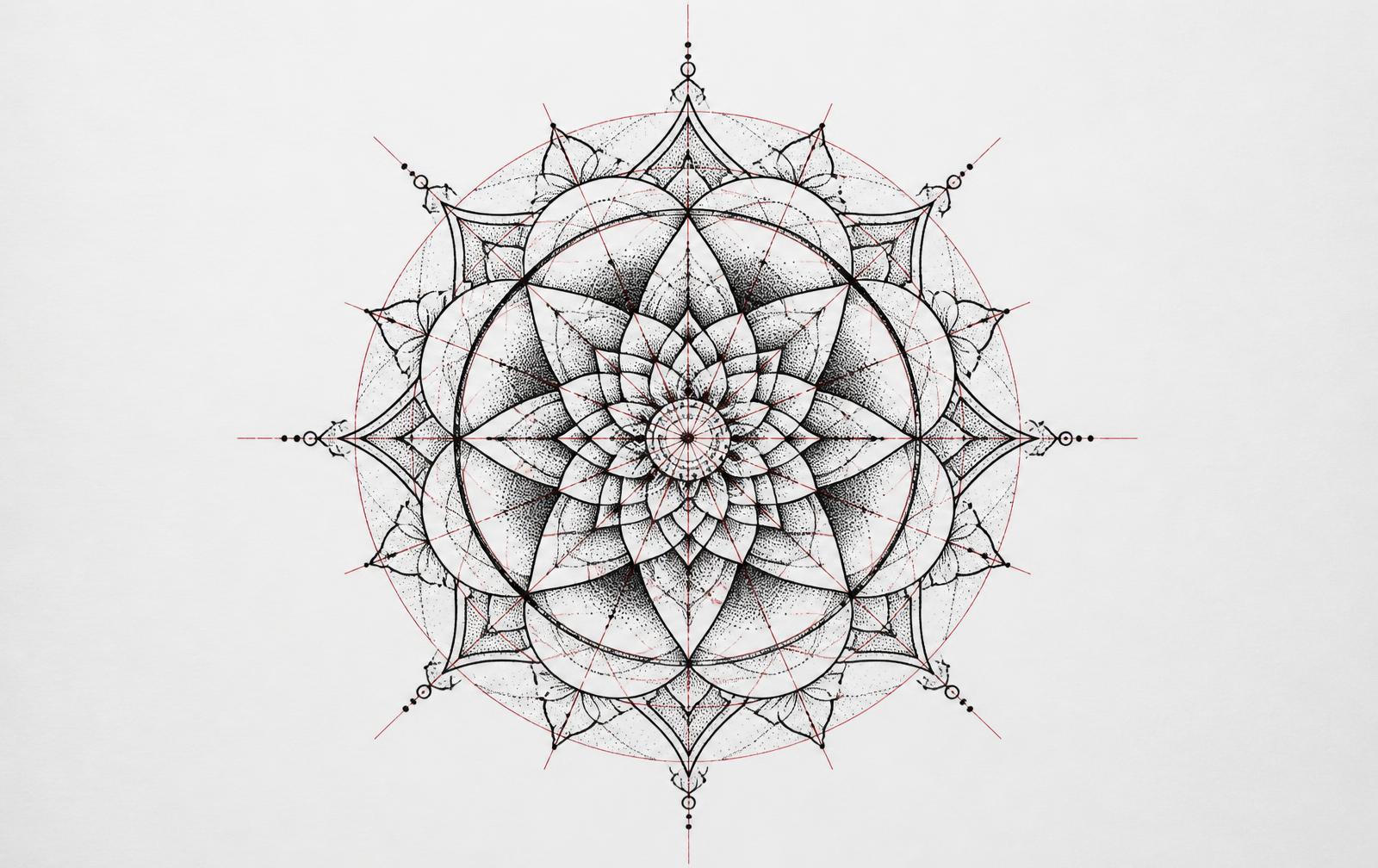
Radial symmetry guides turn a single stroke into a full mandala and can be switched mid-drawing.
Add, duplicate, lock, hide and reorder layers, adjust opacity and drop in reference images.
Smooth drawing mode filters hand tremor so mouse and pen curves stay clean and confident.
Geometric bases, stars, ornaments, frames and banners you can scale, rotate and recolour.
Your work is written straight to a local file as you draw, with crash recovery if power drops.
Export the artboard at 2x pixel ratio with symmetry guides automatically hidden.
Brush guide
DRAWINK mirrors the needle groupings tattoo artists already think in, so a design drawn here translates directly to the machine.
A tight, hard-edged tip for contours and stencil work. Pressure tapers the line exactly like a round liner, so entry and exit points stay sharp.
A wide, soft-edged tip for smooth black-and-grey packing. Build value in passes instead of one heavy stroke, the way a magnum shades skin.
Strokes that thin out quickly at the exit, used for whip shading, pepper texture and blackwork transitions.
A stamp engine scatters individual dots across a band. Area width controls the spread, stamp size controls the dot itself, so density never turns into a solid line.
The bucket tool fills any closed shape with the active ink and slips the colour underneath existing linework, so outlines and inner details stay untouched. Shortcut B.
Turn on mirror mode and pick 2, 4, 6 or 8 segments: one stroke is repeated around the centre in real time. Segments can be changed mid-drawing, so a simple rosette can grow into a full geometric sleeve panel without redrawing anything.
New projects open a Photopea-style dialog: pick a placement size (forearm, sleeve, back, chest), a print format such as A4 or A5 at 300 DPI, a screen or social size, or type your own width, height and DPI.
Pen input is read through the Pointer Events API, which means Wacom, XP-Pen, Huion, Surface Pen and Apple Pencil all control line weight natively. Tilt and pressure can be checked live from the pressure readout in the tool panel.
Signed out, every project stays in a local .drawink file with a crash-recovery snapshot. Sign in and new projects are also saved to your account, listed with cover previews, and each one gets its own shareable link.
Export a high-resolution PNG at any point with symmetry guides hidden automatically, then print it as a stencil or send it to a thermal printer at the studio.
Drawing happens entirely in the browser and projects live in local .drawink files on your own device. Nothing is uploaded unless you deliberately sign in to sync a project or use the AI inspiration generator, which sends only your text prompt.
How it works
Start a project at A4, A5, 2000×2000 or 2K 3:4 and choose where the file lives.
Switch brushes with V, G, W, D and E, resize by right-drag, mirror with S.
The .drawink file updates as you work; export a print-ready PNG when you're done.
Who it's for
Design custom pieces and stencils without paying for desktop software.
Build repeatable flash with layers, shapes and reusable design brushes.
Radial symmetry makes dotwork mandalas and geometric linework fast and precise.
Pricing
DRAWINK runs entirely in your browser. There is no signup, no subscription and no upload — your artwork stays on your own machine as a local .drawink file.
FAQ
No download, no signup — a full tattoo drawing workspace in one click.
Open Studio